

Overview
Track your vehicles in real time and coordinate your crew from your Jobber dashboard with the Azuga Fleet integration.
Azuga Fleet is a fleet management platform that gives you real-time visibility into your vehicles, drivers, and operations. When you connect Azuga to Jobber, you can see live vehicle locations, assign vehicles to team members, and manage fleet activity without switching between systems.
Azuga Fleet integration availability
The Azuga Fleet integration is available on Jobber’s Connect, Grow, and Plus Plans in the United States and Canada. View our current pricing plans.
To check what plan you’re on, select the Gear Icon, then choose Account and Billing. If you have any questions about your plan’s features or pricing, our support team is here to help!
What Azuga Fleet tracking does
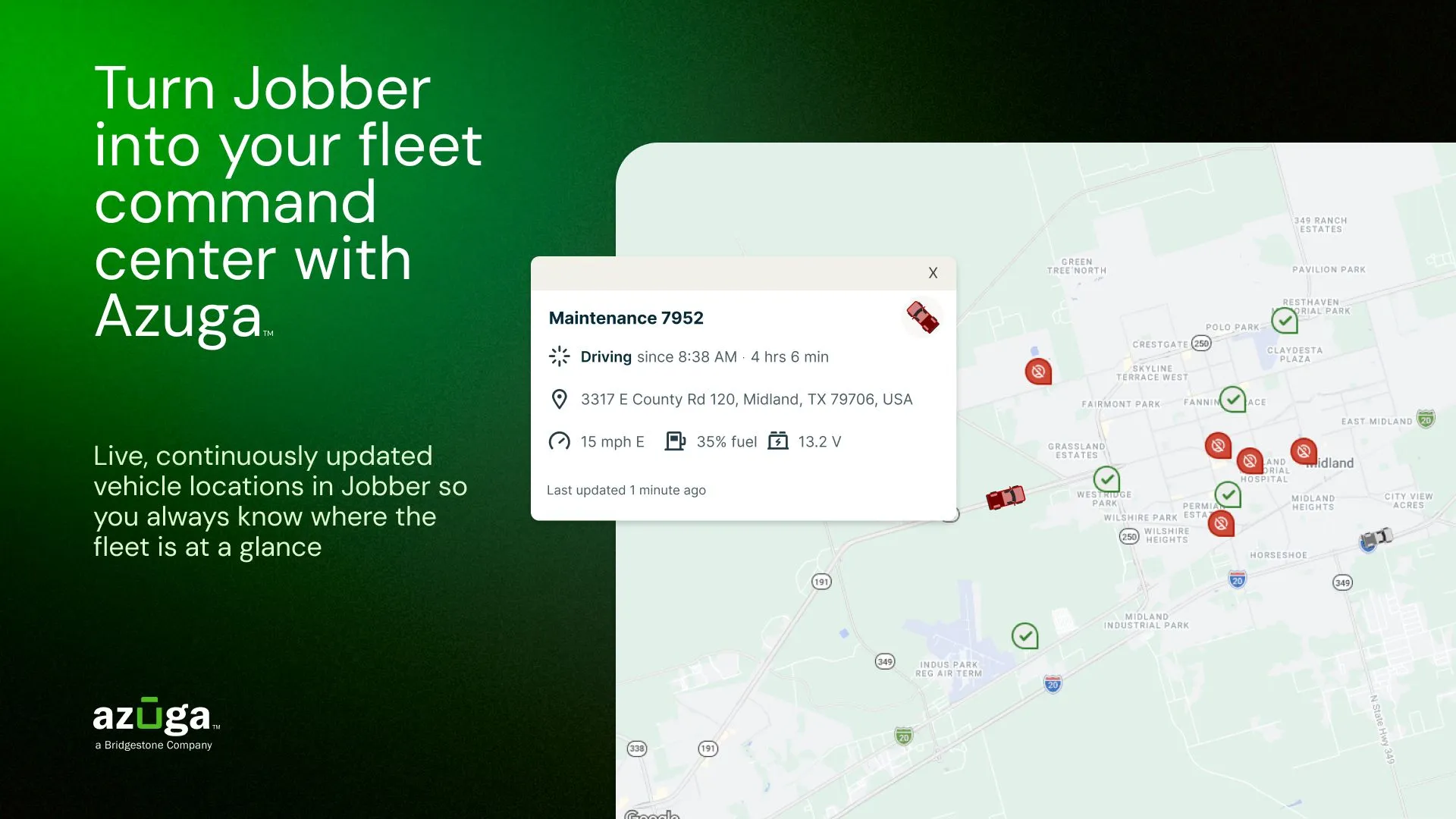
Azuga Fleet uses GPS tracking hardware and software to monitor your vehicles. With an Azuga subscription, you get access to features like live vehicle locations, trip history, driver behavior scoring, vehicle health diagnostics, and maintenance scheduling.
When you connect Azuga to Jobber, your fleet data syncs into Jobber so you can work from one platform instead of two. The integration helps you:
- See live vehicle locations directly in Jobber’s dispatch view
- Find the nearest available team member and assign them to a job
- Adjust routes and schedules quickly when last-minute changes come up
- Give your clients more accurate arrival windows
- Monitor driver behavior in real time to coach proactively and reduce risk
- Track fuel usage, mileage, and vehicle maintenance needs
This integration is a strong fit for HVAC, plumbing, electrical, landscaping, lawn care, cleaning, pest control, construction, and any service business that operates a vehicle fleet.
Set up the Azuga Fleet integration
To use this integration, you need an active Azuga Fleet subscription and a Jobber account.
No account yet? Click here to sign up
To connect Azuga to Jobber:
- Sign into Jobber.com.
- Select Apps from the side navigation.
- Search for Azuga or browse the GPS & Fleet Tracking category.
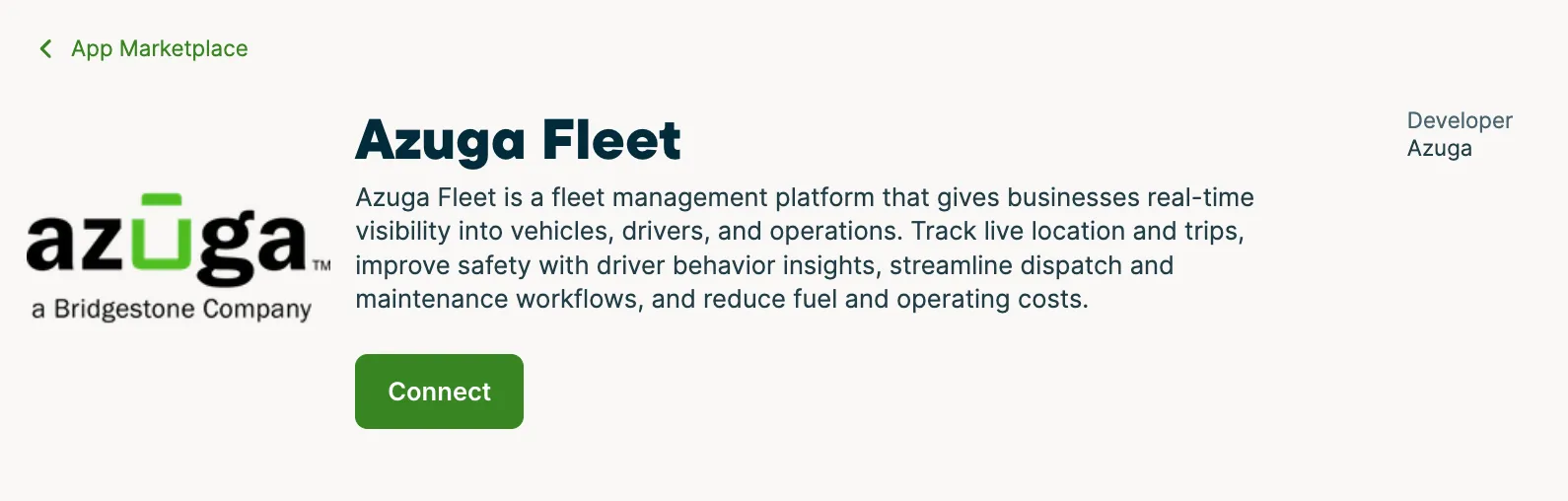
- Select Azuga Fleet from the list.
- Select Connect and follow the prompts to authorize the connection between your Azuga and Jobber accounts.
Once connected, your Azuga fleet data syncs into Jobber automatically.
View vehicle locations in Jobber
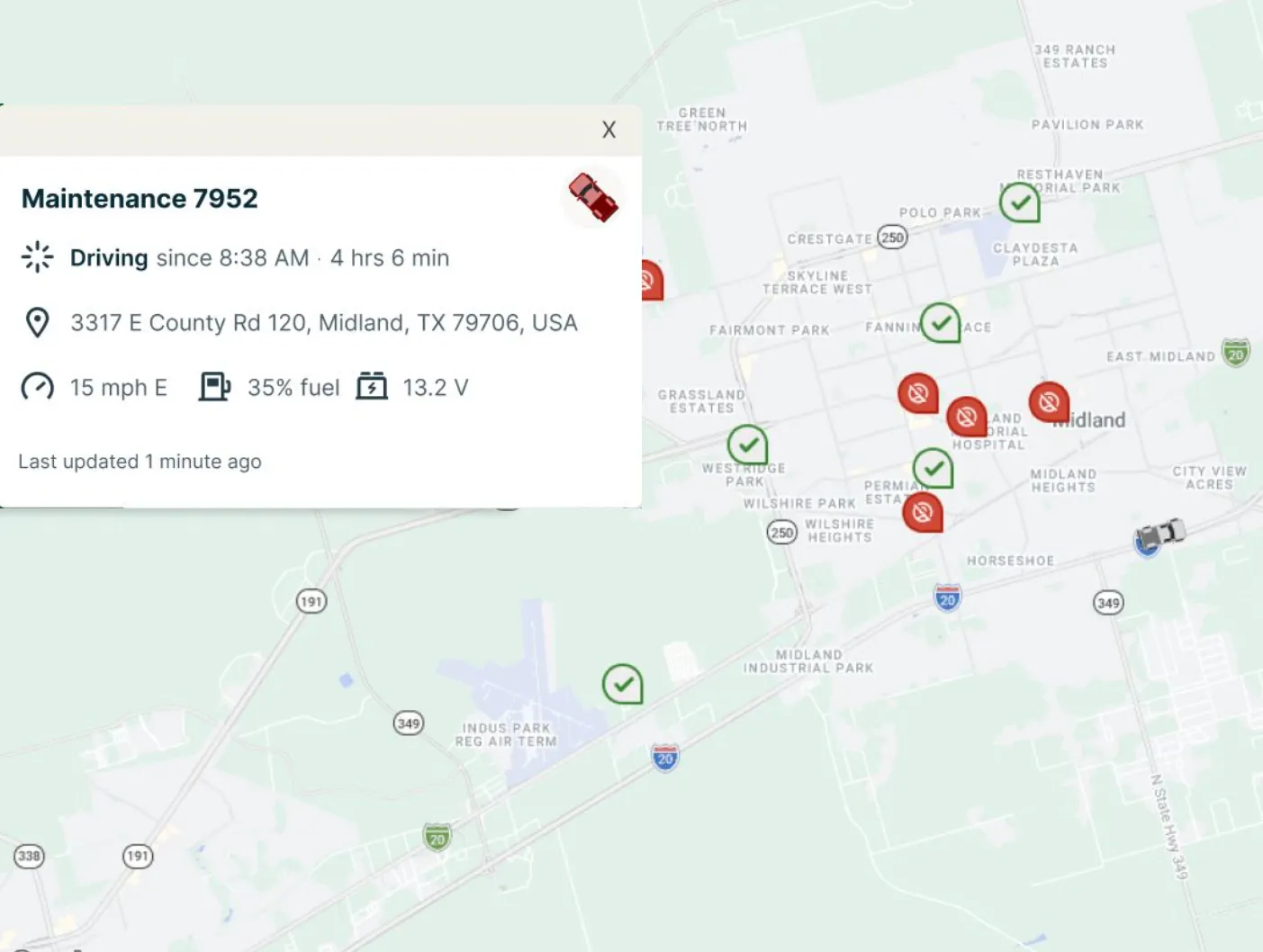
After you connect Azuga, vehicle locations appear in Jobber’s day view of the schedule. Use this to see where your team is at any given time and make informed decisions about job assignments and scheduling.
If a team member is already near a job site, you can reassign work to them directly from the dispatch view. This reduces drive time and helps you give your clients more accurate arrival windows.
Monitor driver behavior and vehicle health
Azuga tracks driver behavior data such as harsh braking, speeding, and other events. Use these insights to coach your team on safer driving habits, reduce risk, and protect your vehicles.
Azuga also monitors vehicle diagnostics and can alert you to maintenance needs before they become costly problems. Combined with trip history and mileage tracking, this gives you a more complete picture of your fleet’s performance and operating costs.
Questions about the Azuga integration?
The Azuga Fleet integration is built and maintained by Azuga. For questions about connecting Azuga to Jobber, troubleshooting fleet data, or managing your Azuga account, reach out to Azuga directly:
- Help Center: Azuga Knowledge Base
- Phone: (888) 790-0715
- Email: [email protected]
Azuga’s support team is available 24 hours a day, 7 days a week.
Jobber’s Support Team is also here to help with questions about your Jobber account.